For Speed Limit Release Wheel Diameter Setting M600 M510 Can Protocol Motor Dedicated Programming C
€47.95
+ €14.49 Shipping

For Speed Limit Release Wheel Diameter Setting M600 M510 Can Protocol Motor Dedicated Programming C
Sold by:
For Speed Limit Release Wheel Diameter Setting M600 M510 Can Protocol Motor Dedicated Programming C
€47.95

Save €135.20 (76%)

RRP

€183.15
In stock
+ €14.49 Shipping

14-Day Returns Policy

Buyer protection

Payment methods:

  • Brand: Unbranded

Product details

Product details

For Speed Limit Release Wheel Diameter Setting M600 M510 Can Protocol Motor Dedicated Programming C
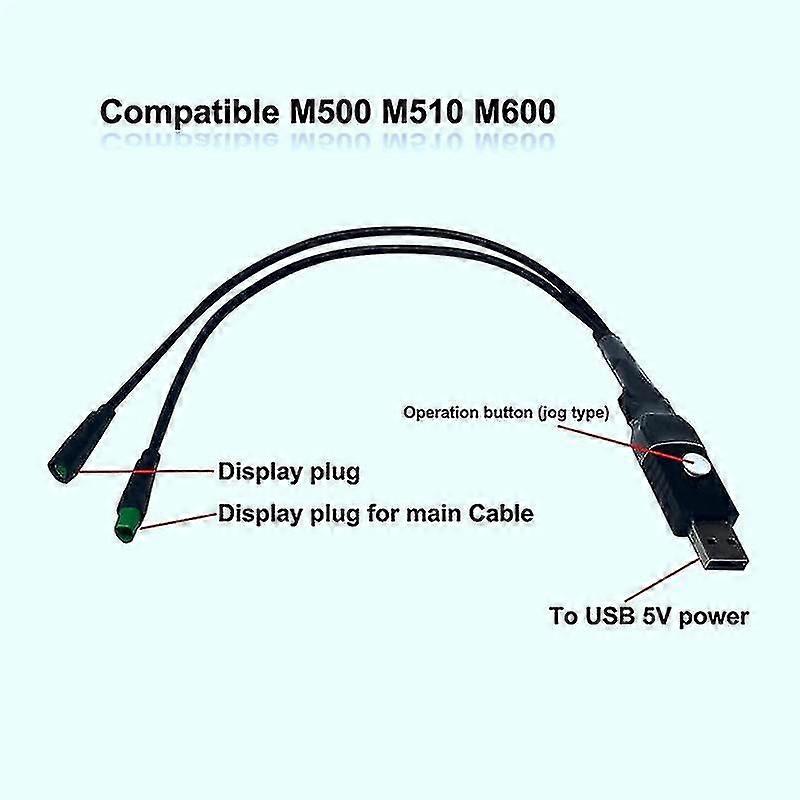
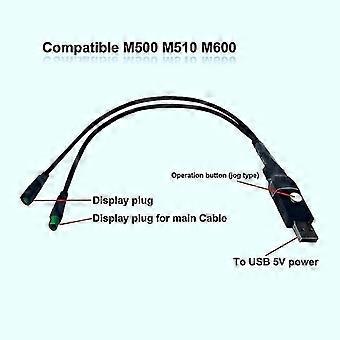
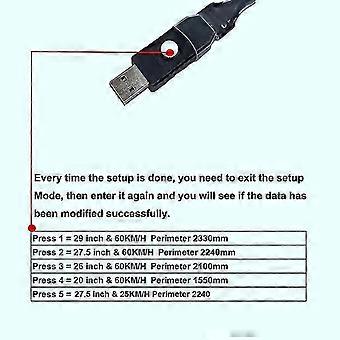
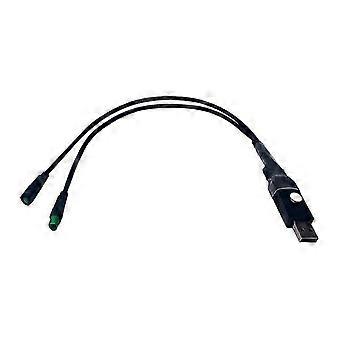
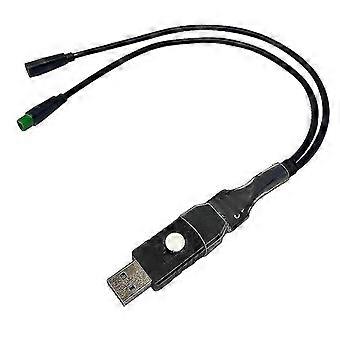
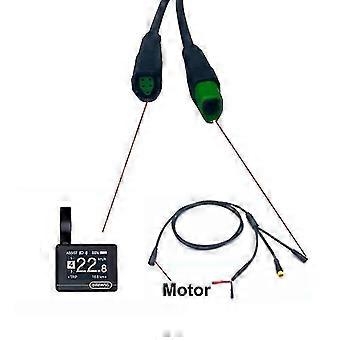
Applies for speed limit release wheel diameter setting M600 M510 CAN protocol motor dedicated programming cable DownloaderThis is the programming line specially used for the CAN protocol motor.Releasing the speed limit: When you really need it, do you feel that the limited speed cannot meet your needs?Modify wheel diameter data: When you change to a new frame, because the size of the wheel diameter and the size set in the motor are different,and the speed displayed on the display is wrong, unable to record accurate driving data? So..... this programmer can solve these 2 troubles easily and quickly for you, you only need to complete the settings through very simple operation steps There are detailed operation demonstrations in our operation video, you can also get in touch with to help you complete the operation Operation introduction:1.First, the motor is connected and powered on. 2.the motor is connected to the main line of the instrument. 3.the interfaces at both ends of the programming cable are connected to the motor and the display screen respectively. 4.the USB plug of the programming cable is connected to the USB interface of the computer or display screen. 5.The programming line indicator lights up to indicate that the connection is successful. For detailed tutorials, please see the video tutorials. 6. If there is a 25 fault code after connecting, just press the module button and wait for 2 seconds to return to normal. For some models, the wheel diameter size on the display does not change when the wheel diameter setting is toggled. At this time, you need to exit the settings, and return to the main page of the display to re-enter the settings. Then you can see the wheel diameter you set.Introduction and operation of programming line buttons:Press 1 time in a row: wheel diameter 29 inches 60KM/HPerimeter 2330mmPress 2 times in a row: wheel diameter 27.5 inches 60KM/H Perimeter 2240mmPress 3 times in a row: wheel diameter 26 inches 60KM/H Perimeter 2100mmPress 4 times in a row: wheel diameter 20 inches 60KM/H Perimeter 1550mmPress 5 times in a row: wheel diameter 27.5 inch 25KM/H Perimeter 2240mmColour:blackMaterial:composite materialPackage Contents:1 x programming lineOnly the above package content, other products are not included.Note: Light and different displays may cause the color of the item in the picture a little different from the real thing. The measurement allowed error is +/- 1-3cm.
  • Fruugo ID: 226205760-482628573
  • EAN: 9140182656174
Promise

Seller guarantee

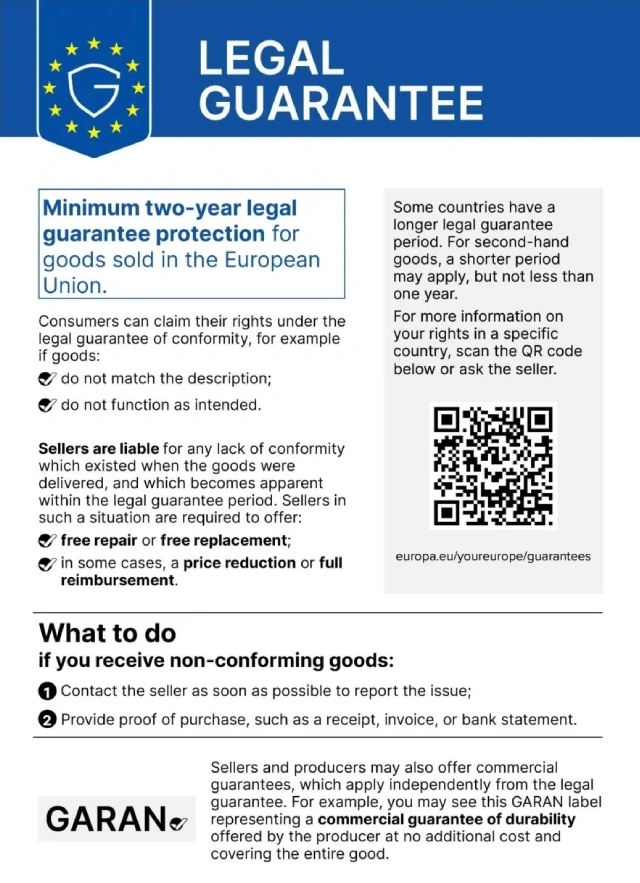
2-year legal guarantee included

Your EU consumer rights include a free minimum 2-year legal guarantee.

Download Legal Guarantee of conformity
Delivery

Delivery

Dispatched within 24 hours

  • STANDARD: €20.64 - Delivery between Mon 09 November 2026–Wed 25 November 2026

Shipping from China.

Returns

Returns & Cancellations

Returns

We do our best to ensure that the products that you order are delivered to you in full and according to your specifications. However, should you receive an incomplete order, or items different from the ones you ordered, or there is some other reason why you are not satisfied with the order, you may return the order, or any products included in the order, and receive a full refund for the items.

View full return policy

Cancellations

You have the right to withdraw from your purchase within 14 days from receiving your order without giving a reason. To exercise your right easily, you can use the "Cancel my order" link in the footer of every page or within your Fruugo account under "Orders". Once you exercise your right to withdraw, we will send you an email acknowledgment. If your order has already been shipped by the retailer, we will provide you with the necessary return instructions to ensure your refund is processed promptly.

View full cancellation policy