Description
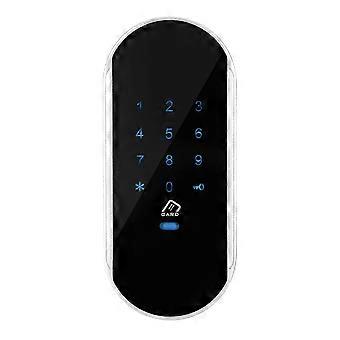
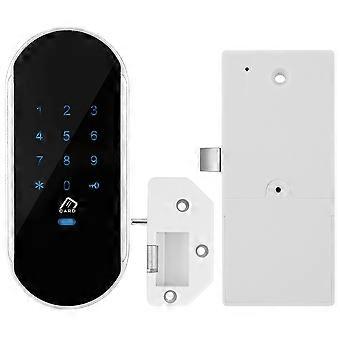
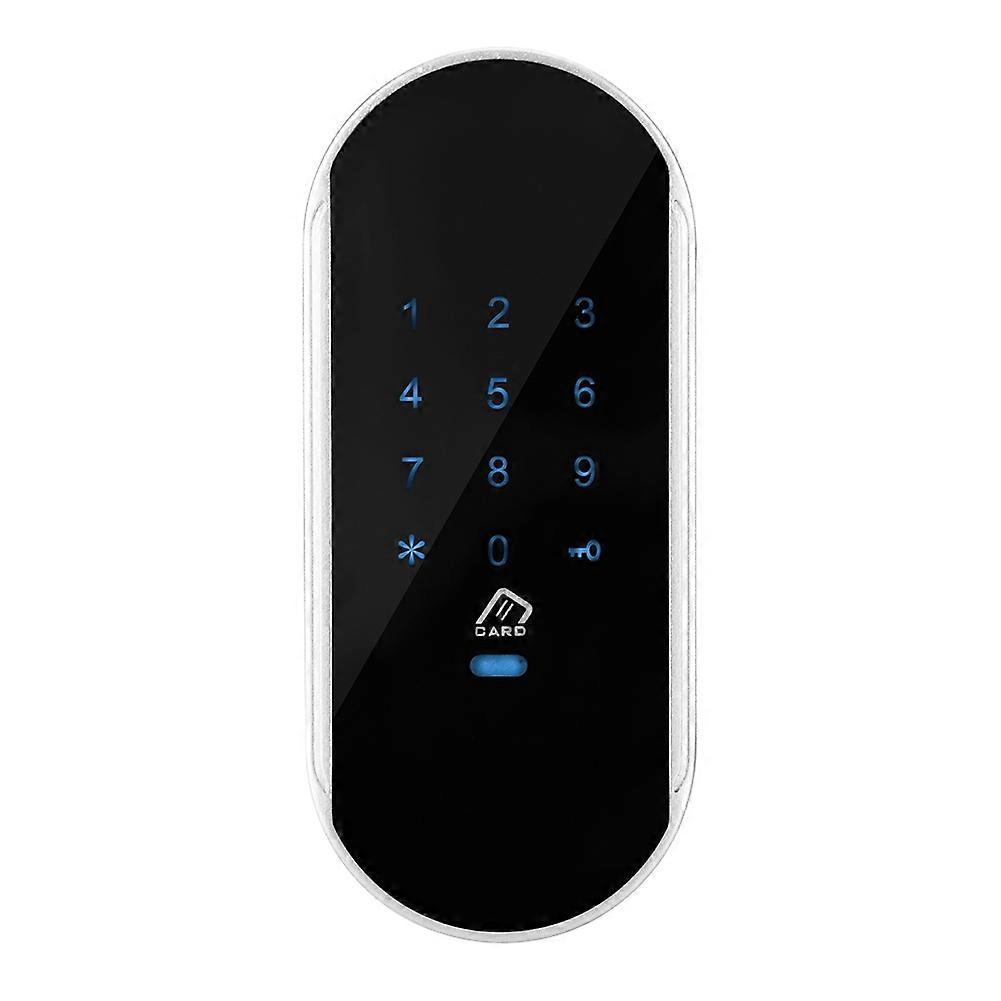
Smart Electronic Password Coded Inductive Lock Sauna Gym Locker Cabinet Induction Cipher Lock
Features:Made of high quality zinc alloy and acrylicmaterial, safe and eco-friendly, durable and sturdy to use. Compact design, exquisite and accurate workmanship. Suitable for both metal and wooden cabinet. Multiple ways to unlock: password unlock, card unlock, or password + card unlock. Accurate reading, sensitive response. Touch keypad password lock, no keys needed, cool to use. Easy installation. All necessary accessories are provided to you that convenient to install. Specification:Model: 952Material: Zinc Alloy(Frame) +Acrylic(Touch Screen)Battery: 4pcs x AA Batteries Operating Commands A. Managing User Management 1. Add management card: When the lock is out of the factory, the first card swiped is added as the management card. 2. Modify the management password: Original management password + key button 1 + new management password + key button, new management password + key button B. Adding Users 1. Add user password: Management password + key button 8 + number (001-200) key button, user password, key button, user password, key button... can be added continuously 2. Add user cards: Swipe management card twice + swipe card...; can be added continuously C. Delete Users 1. Delete user passwords: Management password + key button 4 + number (001-200), key button number (001-200), key button... can be deleted continuously 2. Delete user cards: Swipe management card twice + 4 + number (001-200), key button number (001-200), key button...; can be deleted continuously 3. Delete all user passwords: Management password + key button 0 + key button 4. Delete all user cards: Swipe management card twice + 0 + key button D. System settings 1. Switching between household and public modes: Management password + key button, 7, key button 2. Switching from single-open mode to double-open (combination) mode: Management password + key button, 6, key button 3. Switching from double open (combination) mode to single open mode: Management password + key button, 5, key button E. Open the door 1. Open the door in single mode: Card swipe: door lock open, closing after 5 seconds Password: door lock open, close after 5 seconds The password can be changed during the 5 seconds opening. After the lock tongue enters, follow the following operation: 1 + new password + key, new password + key; 2. Open the door in double card mode: Management password key (or management card); door lock, closing after 5 seconds User password key (or card) + card (or user password key); Door Lock, Close after 5 seconds Note: 1.Opening the door in double-open mode does not support the function of modifying user password. 2. Keyboard locked for 2 minutes after 7 consecutive typing errors Configuration inpublic mode 1 group of management passwords, 1 group of temporary passwords, 1 management card, 1 temporary card Password digits: 4-15 digits 1. Exit Status: Press the button five times continuously, and the door lock will be restored to the factory status. management password: 12345678, default home mode, single-mode unlock. 2.Switching to Public Door Lock Mode: Management password + key button, 7, key button: switch to public mode, when the door lock is in the open state. Operating Commands A. Managing User Management (Normally Open and Lock-in States are Operational) 1. Add management card: When the door lock is out of the factory, the first card brushed is added as the management card. 2. Modify the management password: The original management password + key + 1 + new management password + key + new management password + key B. Adding temporary users (usually open to operate) B. Adding temporary users (usually open to operate) 1. Add temporary password (single open mode): New Temporary Password + key button, New Temporary Password + key button; Door Lock Closed 2. Add temporary cards (single-open mode): Card swiped; door lock closing 3. Add temporary passwords and cards (in double-open mode): New temporary password + key button, new temporary password + key, and then swipe the card; door lock closed Or swipe card, new temporary password + key button, new temporary password + key; door lock closed C. System settings 1. Switching between household and public modes: Management password + key button, 7, key button 2. Switching from single-open mode to double-open (combination) mode: Management password + key button, 6, key button 3. Switching from double open (combined) mode to single open mode: Management password + key button, 5, key button D. Open the door 1. Open the door in single mode: User password (or management password) +key button; door lock Normal Open, temporary password and card invalid Card swipe; door lock Normal Open, temporary password and card invalidation 2. Open the door in double card mode: Management password key (or management card); door lock Normal Open, temporary password and card invalidation User password key (or card) +card (or user password key); lock Normal Open, temporary password and card invalidation Package list:1 x L
-
Fruugo ID:
327621143-723883433
-
EAN:
9432034479445